

Facilities Scheduling - VantageSportz

Powered By Alphacility

School Facility Scheduling and Management Software

Managing school facilities should not require spreadsheets, paper forms, email chains, disconnected calendars, and manual follow-up. VantageSportz Facilities Scheduling, powered by Alphacility, helps schools and districts manage facility requests, approvals, bookings, rentals, payments, availability, asset details, event coordination, and usage reporting from one connected platform.


Why VantageSportz Facilities Scheduling?

One Platform. Every Space. Better Control.

Bring every facility, calendar, request, approval, and booking into one connected platform for gyms, fields, classrooms, auditoriums, cafeterias, libraries, and event spaces.


White check mark icon indicating a completed feature or benefit outline

Manage school facility scheduling from one shared calendar

White check mark icon indicating a completed feature or benefit outline

Accept online facility requests from staff and approved groups

White check mark icon indicating a completed feature or benefit outline

Automate approval routing based on district rules

White check mark icon indicating a completed feature or benefit outline

Prevent double bookings and scheduling conflicts

Blue checkmark icon indicating completed tasks or verified athletic event information

View real-time space availability across locations

White check mark icon indicating a completed feature or benefit outline

Track facility usage, event details, rentals, and payments

Flexible Facility Scheduling

Built for Schools, Districts, and Shared Spaces

From internal events and academic use to athletic scheduling and community rentals, Alphacility adapts to how your district operates—across every building and facility.


Blue check mark icon indicating a feature or completed task

Gym, field, classroom, and event space reservations

Blue check mark icon indicating a feature or completed task

Internal staff requests

Blue check mark icon indicating a feature or completed task

Community use and outside rental requests

Blue check mark icon indicating a feature or completed task

Academic, athletic, and activity scheduling

Blue check mark icon indicating a feature or completed task

Setup, teardown, and usage windows

Blue check mark icon indicating a feature or completed task

Multi-location visibility across schools and facilities

Streamlined Requests and Approvals

From Request to Approval With Less Manual Work

Replace paper forms and email approvals with a clear, online process that gets requests to the right people, keeps everyone informed, and maintains a full record.


White check mark icon indicating a completed feature or benefit outline

Submit facility requests online

White check mark icon indicating a completed feature or benefit outline

Route requests to the right approvers

White check mark icon indicating a completed feature or benefit outline

Track request status from submission to approval

White check mark icon indicating a completed feature or benefit outline

Send notifications when action is needed

White check mark icon indicating a completed feature or benefit outline

Maintain approval history and timestamps

White check mark icon indicating a completed feature or benefit outline

Standardize processes across buildings

Technology That Works For You

Clarity Into How Your Spaces Are Used

AlphaFacility provides schools and districts with a clear understanding of how facilities are scheduled, utilized, and impacted over time. By capturing real usage data across spaces and seasons, teams can plan more effectively, allocate resources with confidence, and avoid repeating the same scheduling challenges year after year.

Understand how and when facilities are actually used

Blue check mark icon indicating a feature or completed task

Reveal scheduling pressure points before they become problems

Blue check mark icon indicating a feature or completed task

Maintain historical context for planning and justification

Blue check mark icon indicating a feature or completed task

Identify patterns in demand across spaces and timeframes

Blue check mark icon indicating a feature or completed task

Support smarter decisions around space allocation

Blue check mark icon indicating a feature or completed task

Enable informed conversations with administrators and stakeholders
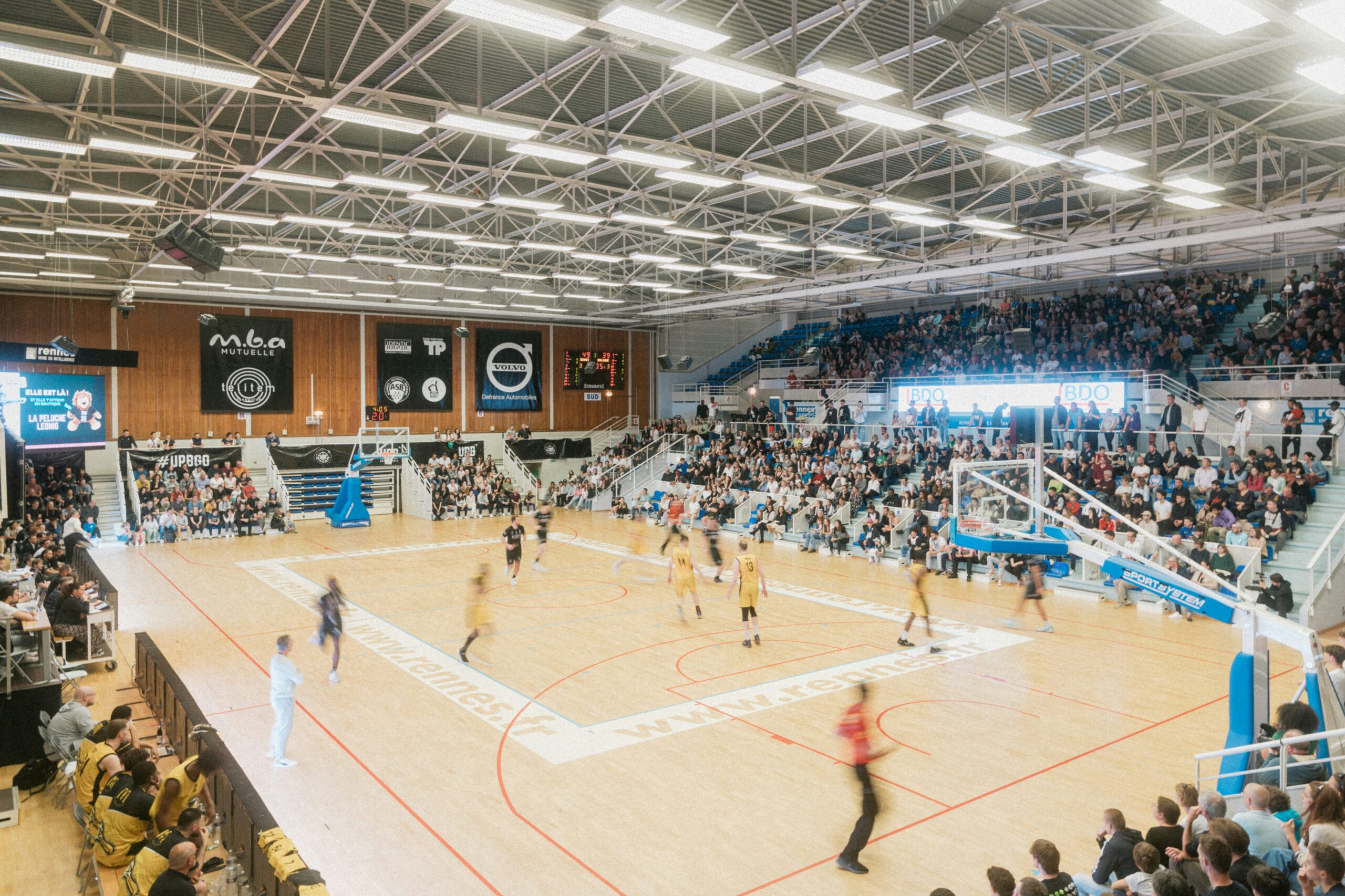
Pre-Heading

Prevent Conflicts Before They Disrupt Operations

Shared calendars, real-time availability, and configurable rules help you avoid conflicts, balance usage, and keep facility operations running smoothly across your district.


Prevent double bookings

See real-time facility availability

Track setup and teardown time

Coordinate across departments

Keep event details tied to the correct space

Reduce last-minute scheduling surprises

Community Use, Rentals, and Payments

Manage Rentals and Community Access With Confidence

Support outside groups, rentals, and community use with clear approvals, payment collection, and accurate records to help your district maximize facility use and improve cost recovery.


Manage outside group facility requests

Blue check mark icon indicating a feature or completed task

Support rental approvals and documentation

Blue check mark icon indicating a feature or completed task

Track rental payments and related records

Blue check mark icon indicating a feature or completed task

Coordinate community-use calendars

Blue check mark icon indicating a feature or completed task

Maintain event and usage history

Blue check mark icon indicating a feature or completed task

Improve cost recovery visibility

Pre-Heading

Feature Header

Lorem ipsum dolor sit amet, consectetur adipiscing elit. Mauris sagittis felis purus, ut accumsan ligula tincidunt vel. Curabitur eget orci aliquet, fermentum est vitae, imperdiet nulla. Nam ex leo, dapibus nec quam sit amet, condimentum ultrices odio. Pellentesque habitant morbi tristique senectus et netus et malesuada fames ac turpis egestas.

Facility Scheduling

Manage spaces, calendars, availability, and bookings.

Request & Approval Workflows

Route facility requests with clear status tracking and approval history.

Conflict Prevention

Use rules and shared calendars to reduce double bookings and scheduling issues.

Rentals & Payments

Support community rentals, payment collection, and cost recovery workflows.

Asset & Space Management

Track facility details, spaces, resources, and usage information.

Reporting & Usage Insights

Review historical usage, demand patterns, approvals, reservations, and activity.

Built for the Teams Managing School Facilities

Designed for the people who oversee daily school use and district-wide facility operations—supporting better coordination, accountability, and service.


White check mark icon indicating a completed feature or benefit outline

Facilities Directors

White check mark icon indicating a completed feature or benefit outline

Operations Teams

White check mark icon indicating a completed feature or benefit outline

School Administrators

White check mark icon indicating a completed feature or benefit outline

Athletic Directors

White check mark icon indicating a completed feature or benefit outline

Activities Directors

White check mark icon indicating a completed feature or benefit outline

Building Principals

Blue checkmark icon indicating completed tasks or verified athletic event information

Event Coordinators

White check mark icon indicating a completed feature or benefit outline

Community-Use Coordinators

White check mark icon indicating a completed feature or benefit outline

Maintenance Teams

White check mark icon indicating a completed feature or benefit outline

District Leadership

How Can We Help?

Save time, reduce scheduling conflicts, improve visibility, and simplify facility management across your schools and district. See how VantageSportz Facilities Scheduling, powered by Alphacility, can help you manage every space with more control and confidence.